




device guide.
Everything you need to know before first use and how to keep your device working well over time.
cleaning & storage.
Clean before and after every use:
- Use a mild, unscented soap and water, or a silicone-friendly cleaner
storage tips:
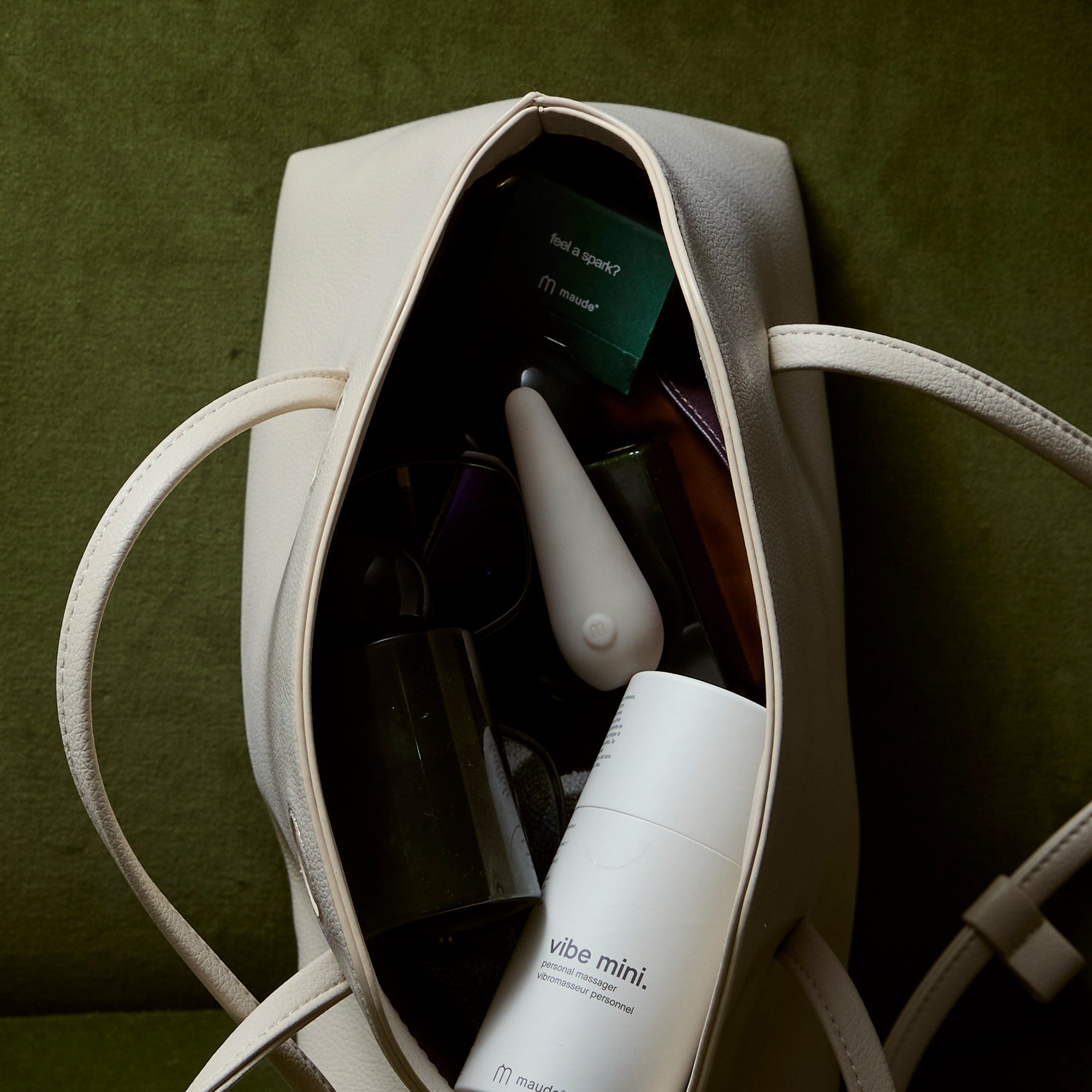
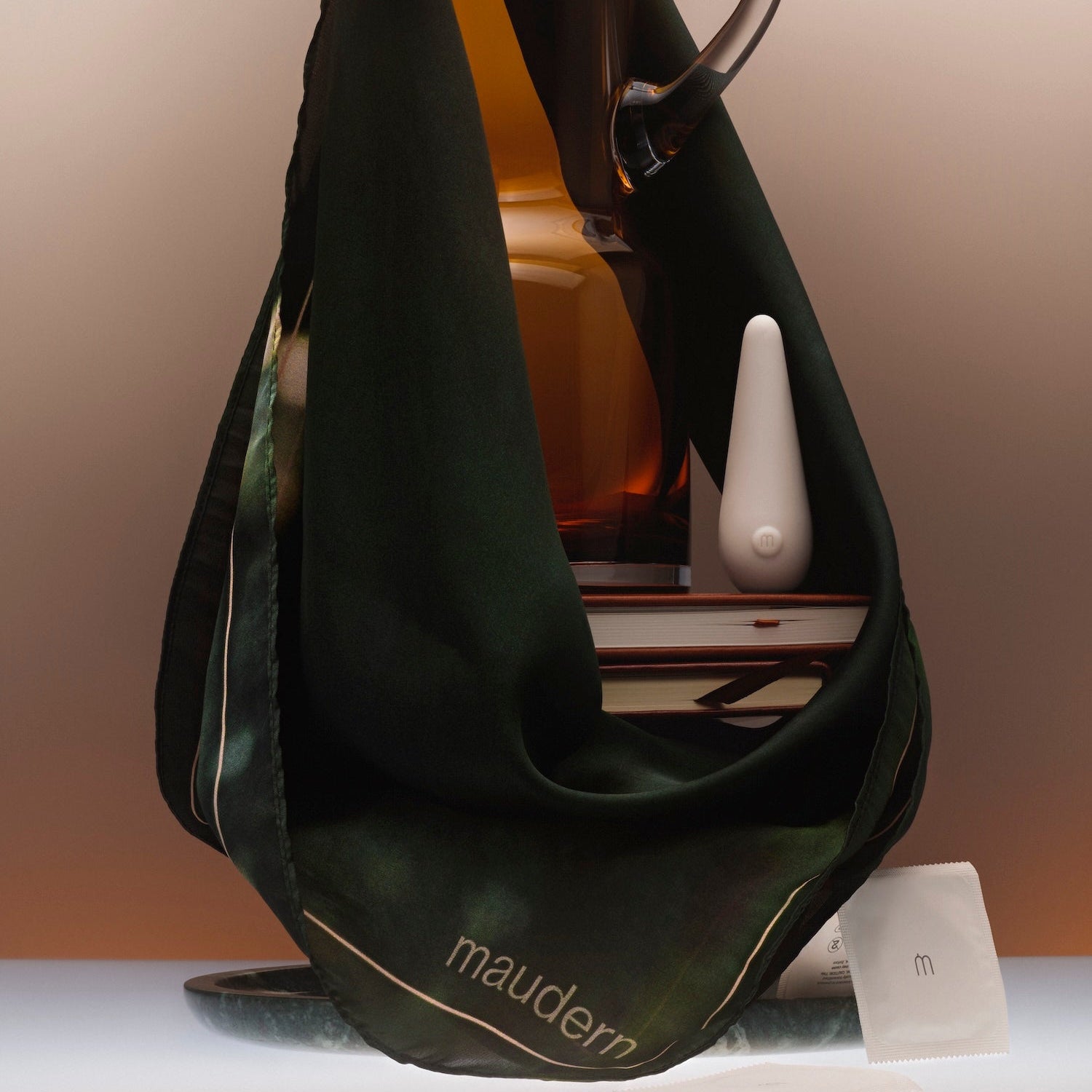
- Store in your maude pouch or separately from other devices
- Silicone touching silicone over time can cause material changes, including texture changes or surface “sweating.” To preserve the integrity of your device, always store it on its own or in its pouch
- Keep away from extreme heat or cold
- Avoid contact with toys made of other materials
use with lube.
use with:
- maude shine aloe (water-based)
- maude heat (warming)
- Any water-based lubricant
Avoid:
- Silicone-based lubricants
- Oil-based lubricants
These can degrade the silicone.
travel mode.
Your device arrives in travel mode:
- This prevents it from turning on during transit
- Similar to a safety lock on other electronics
To turn travel mode off:
- Hold the power button for 3 seconds
- You’ll feel two quick pulses
- Travel mode is now off and your device can turn on and charge
To turn travel mode back on:
- Hold the button again for 3 seconds
- Feel the same two pulses
Think your device isn’t working? Check travel mode first.
Travel mode (lock) is the most common reason a device won’t turn on. It can be accidentally activated and make the device seem unresponsive. Hold the button for 3 seconds until you feel two quick pulses to unlock, then try again.
Battery life & runtime
Your device uses a rechargeable lithium-ion battery. Like all rechargeable batteries, performance decreases over time.
Most devices last approximately 1 year with regular use. More frequent use may shorten battery life and require replacement sooner.
Battery runtime varies by speed setting. At the highest speed, your device will run for approximately 1–1.5 hours. At the lowest speed, runtime is approximately 2–2.5 hours. As with all rechargeable batteries, runtime may decrease over time with regular use.
Highest speed: 1–1.5 hours
Lowest speed: 2–2.5 hours
Your device contains a rechargeable lithium-ion battery. Like most lithium-ion batteries, it gradually loses capacity with every charge cycle and will eventually need to be replaced.
Signs of battery aging include shorter runtimes, weaker performance, longer charging times, or difficulty holding a charge. These are normal signs that the battery has reached the end of its usable life.
Yes. Fully charge after each use, avoid charging for more than 3 hours at a time, and allow the device to dry completely before charging. Proper care can help maximize battery lifespan, but all rechargeable batteries will eventually wear out and require replacement.
charging.
Important:
- Charge before first use.
- Let your device dry completely after cleaning before charging
- Do not charge longer than 3 hours
Charging time:
- 1.5–2 hours for full charge
How to know it's charging:
- Make sure the charging plug is fully inserted into the port
- The light will fade in and out while charging
- The light will shine solid when fully charged
Best way to charge:
- Use the charging cord provided
- Plug into a wall outlet with a USB adapter (1A minimum)
- If no light appears, try a different outlet
Your rechargeable device includes a one-year limited warranty.
Questions?